Whenever you’re creating a short link for marketing purposes, it is important to use a custom domain for better brand recognition and click-through rates. At AffEasy, we have one of the most generous custom domain limits in the industry – you can add up to 3 custom domains to your workspace for free, and even more with our paid plans.Documentation Index
Fetch the complete documentation index at: https://docs.affeasy.link/llms.txt
Use this file to discover all available pages before exploring further.
- Free plan: 3 domains
- Pro plan: 10 domains
- Business plan: 40 domains
Prerequisites
An AffEasy account
An AffEasy account
If you don’t have one, you can create one for free
here.
A domain
A domain
If you don’t have one, you can choose one and purchase it from domain
registrars like Namecheap,
GoDaddy,
Cloudflare.
Step 1: Add a Custom Domain
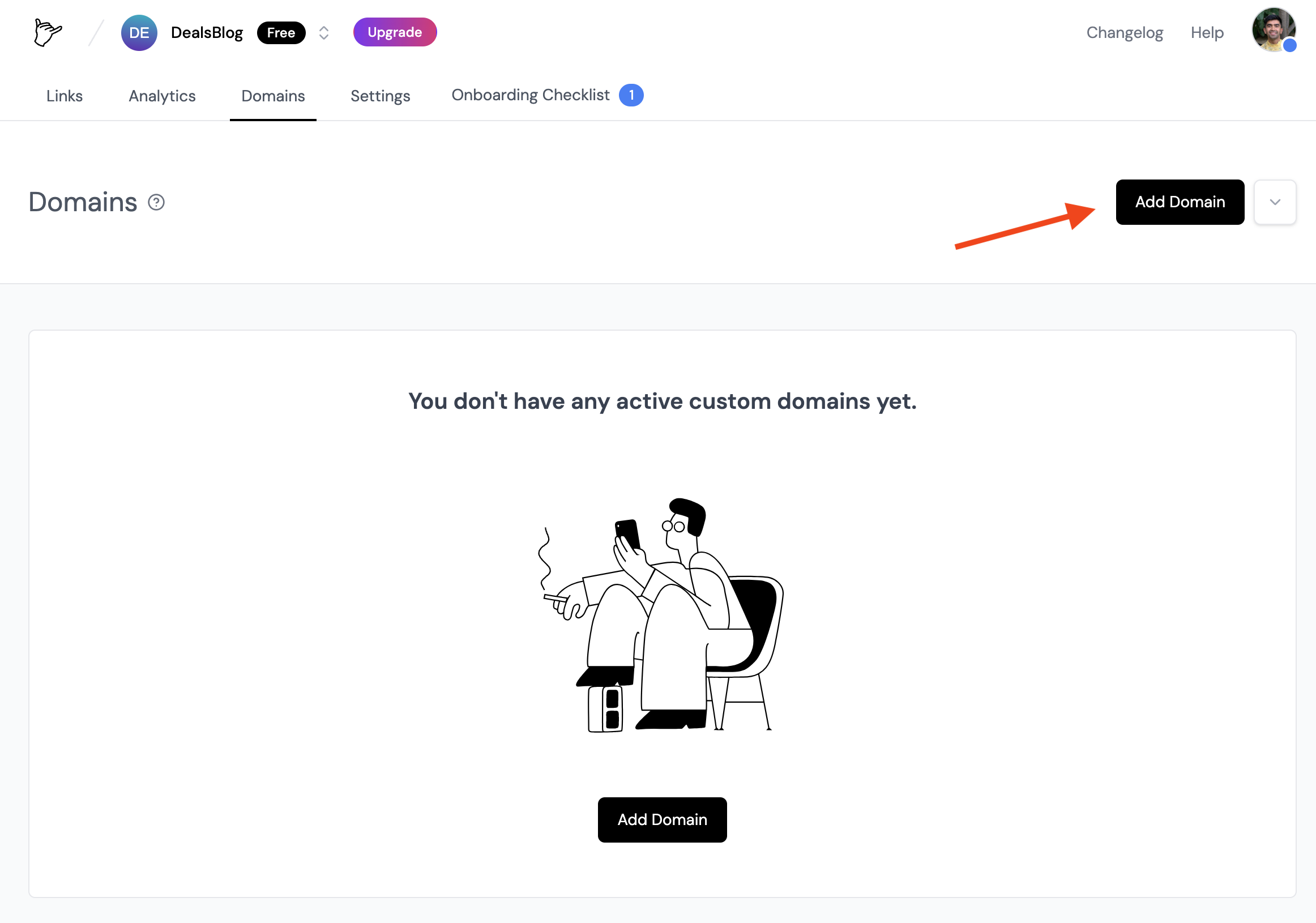
Once you have a custom domain, you can add it to your AffEasy project by following these steps:- Navigate to your workspace’s Domains page – you can do that by clicking on the Domains link in the menu bar at the top of your workspace dashboard.
- Click on the Add Domain button.
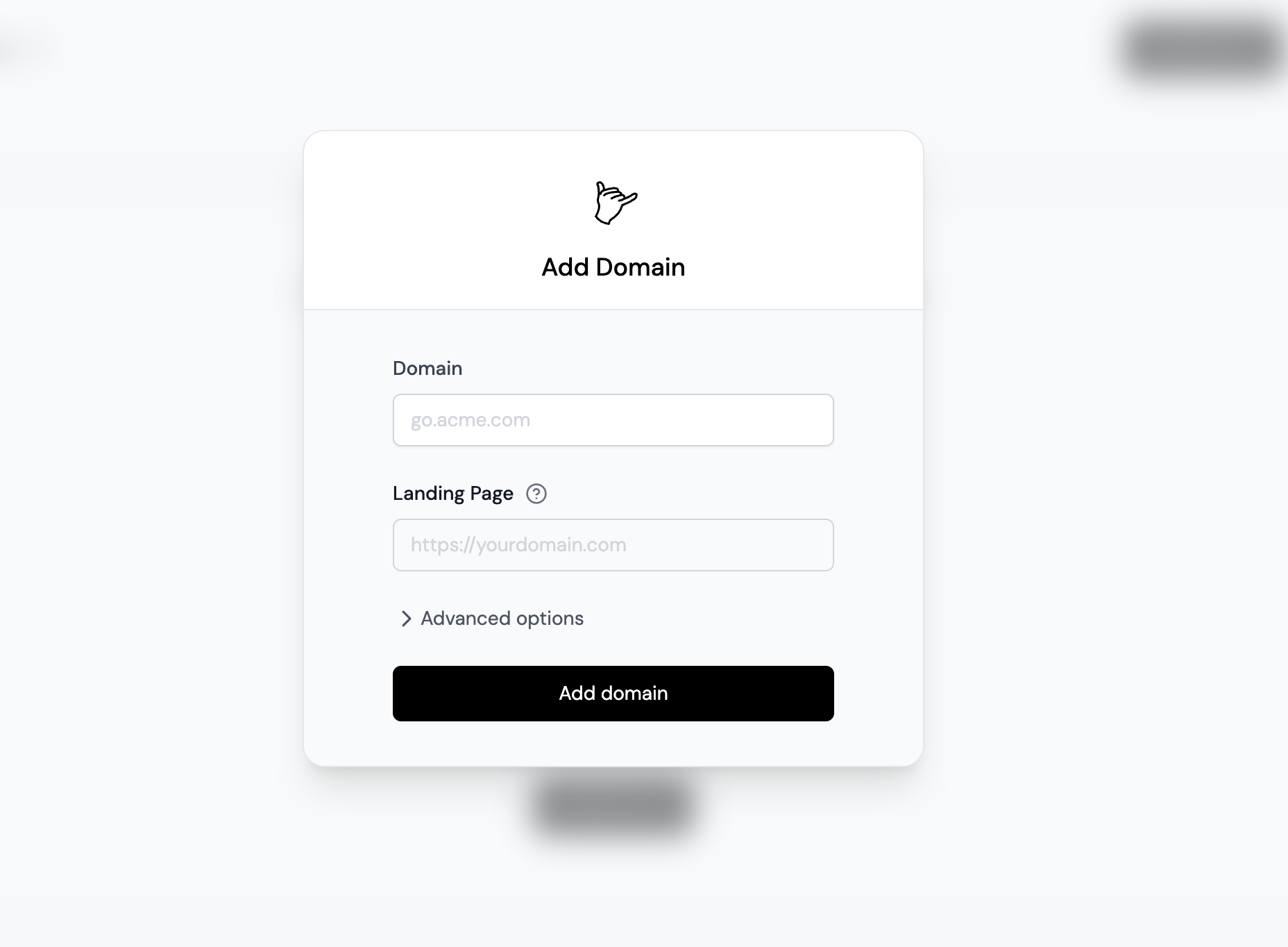
- Enter the domain you want to use and click Add domain.
Step 2: Configure Your Domain
After adding your domain, you’ll be presented with a DNS record that you’ll need to add to your domain’s DNS settings.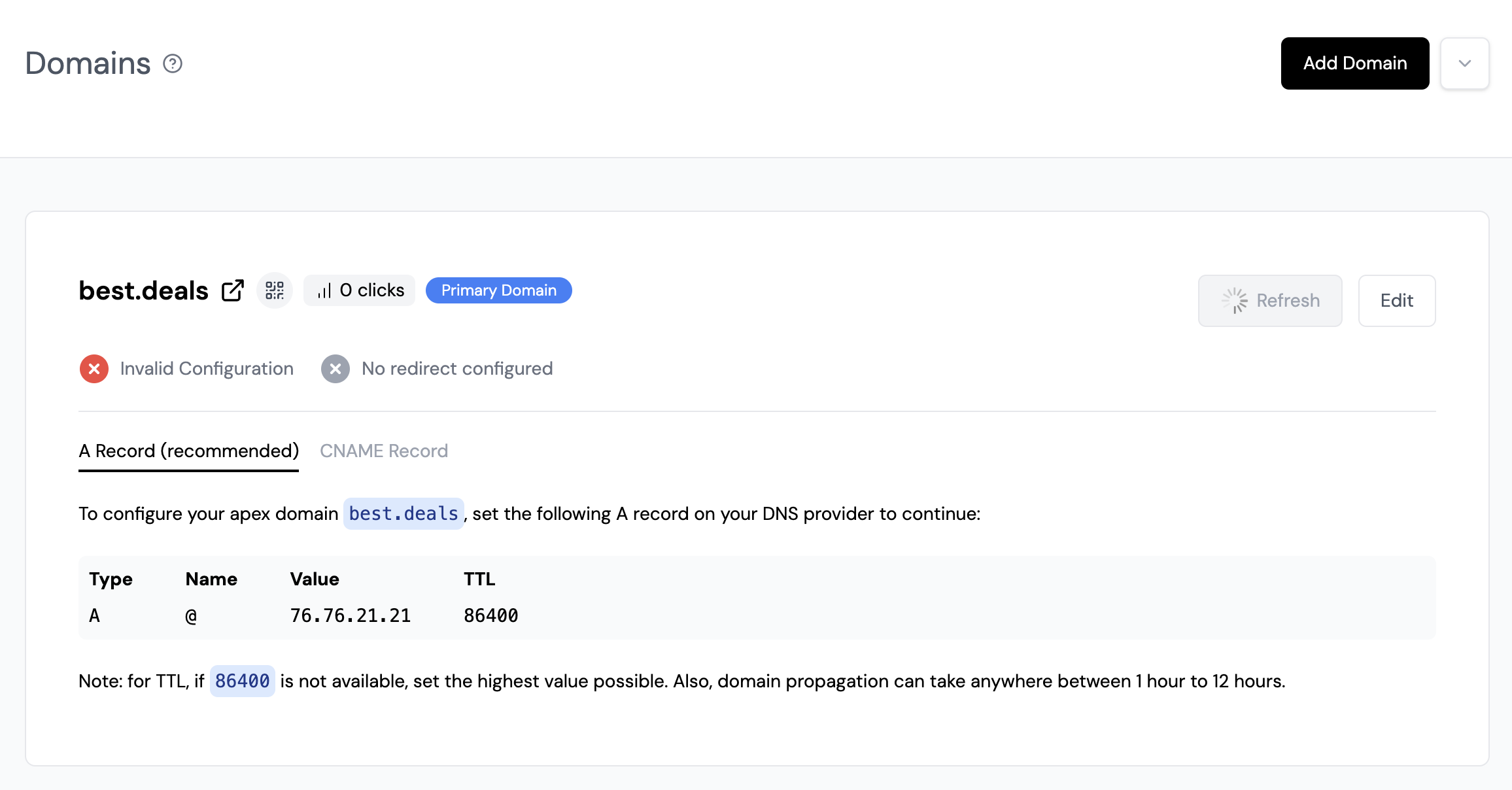
If you’re adding an apex domain (e.g. example.com), you’ll need to add an A record with the following values:
- Name: @ (or leave it blank)
- Value: 76.76.21.21
- TTL: 86400 (or the highest value possible)
If you’re adding a subdomain (e.g. go.example.com), you’ll need to add a CNAME record with the following values:
- Name: go (or whatever subdomain you want to use)
- Value: cname.affeasy.link
- TTL: 86400 (or the highest value possible)
- go.example.com
- try.example.com
- links.example.com
- l.example.com
Step 3 (Optional): Verify Domain Ownership
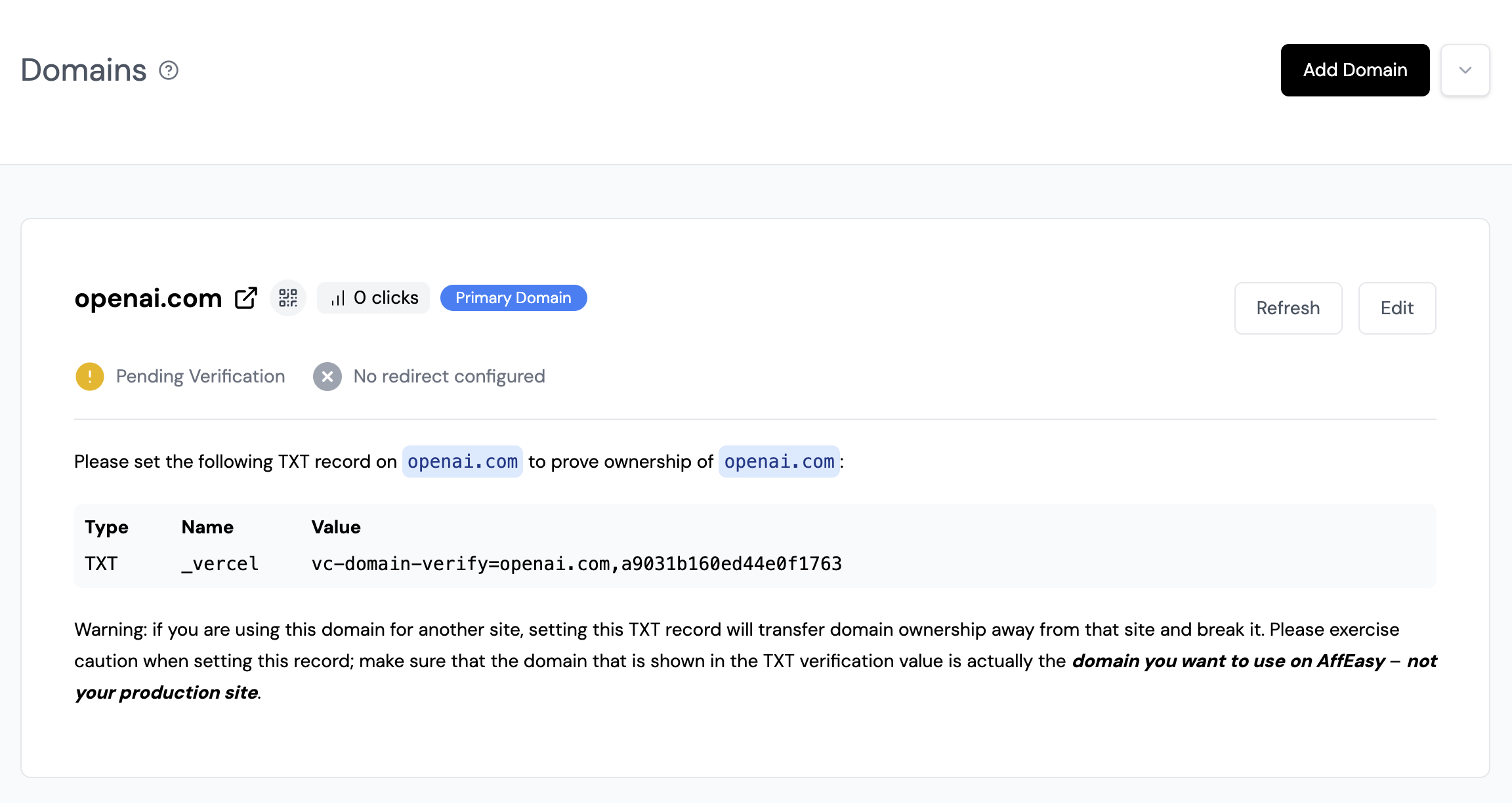
This step is only applicable if you are adding a domain that is currently being used on another platform that requires verification. To verify that you own the domain, you’ll need to add a TXT record with the following values:- Name: _vercel
- Value: vc-domain-verify=go.yourdomain.com… (the exact value will be provided to you on the AffEasy dashboard)